You will need...
Overview
Once you've completed a number of jobs, it always helps to have an overview so you can see exactly what has been done and when. MANAGE provides a great overview which displays a filterable list of every job that has been completed.
Solution
- In your MANAGE environment, hover over Schedules and click on Completed Jobs
- This will provide you with a list of every job that has been completed
- Find a job you'd like to view and highlight it in the table by clicking on it
- Click on the View button which is represented by an eye icon
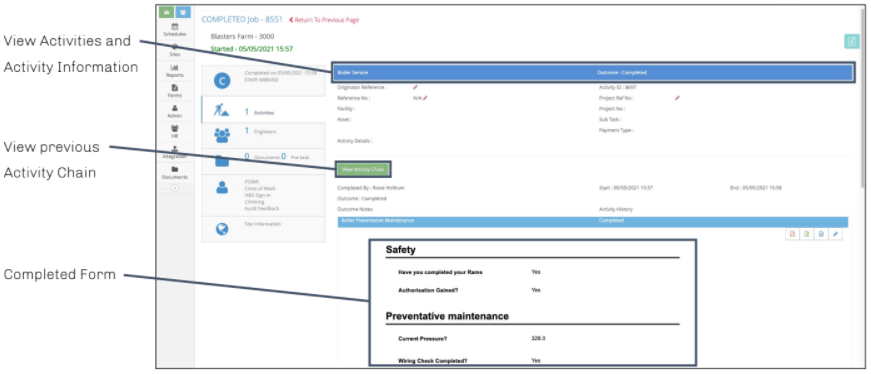
- In this view, you'll be presented with a number of tabs down the left hand side of the page
-
Completed on = displays information such as the status, end date/time, site name and activity type as a summary
-
Activities = all activities that were completed during this visit
-
Engineers = shows which engineers were present and when during the job
-
Documents / Tasks = an overview of all documents and pre-job tasks associated with this job
-
Forms = displays forms submitted over the past 30 days
-
Site Information = a summary of details which have been captured about the site
Notes